How to Tie Cleanup and Shared Context to a C# Scope
Much cleanup code has the same shape. Something is acquired, a block of work runs, and the thing must be released on every exit path. Writing try/finally each time is repetitive, and it gets worse when nested methods need to share one piece of state and release it only when the outermost caller finishes.
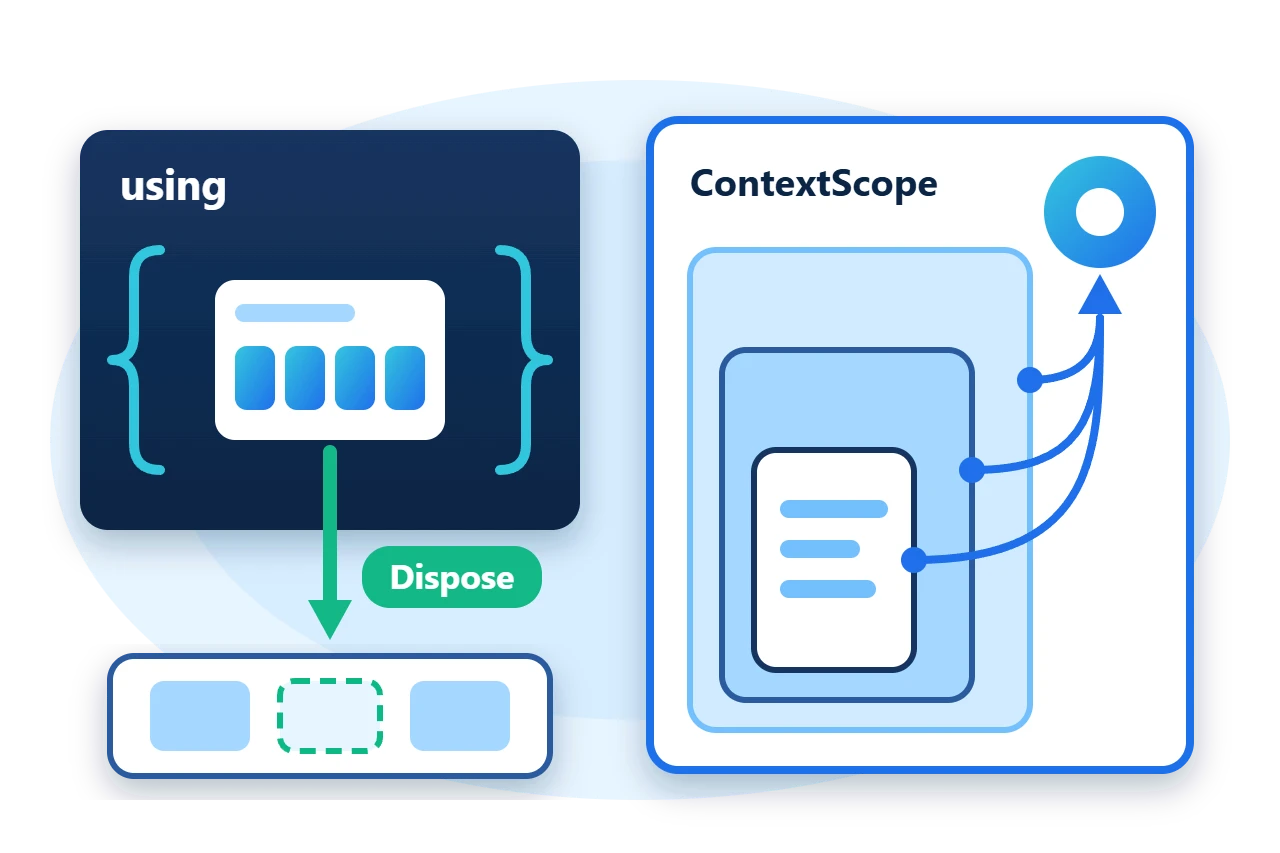
Sphere10 Framework packages both needs as scopes. A scope value releases one thing when a using block ends, and a context scope lets nested calls find and join the scope their caller opened. This article covers the scope values and their factory methods on Tools.Scope, the rules about synchronous and asynchronous disposal, and how to write a context scope.
1. Scope values
IScope combines IDisposable and IAsyncDisposable, and IScope<T> adds an Item that the scope guards. Most scopes are readonly struct values, so creating one allocates nothing. Each has exactly one owner, normally a using local, and must be disposed once.
The static class Tools.Scope is the entry point. The simplest scope runs a finalizer you supply, optionally with an item that is passed back to it.
var released = 0;
using (Tools.Scope.ExecuteOnDispose(() => released++)) {
	Require(released == 0, "The finalizer must wait for disposal.");
}
using (var scope = Tools.Scope.ExecuteOnDispose(count => released += count, 2)) {
	Require(scope.Item == 2, "The scope must expose its item.");
}
The second form matters for performance-sensitive code. Passing the state as an item with a static lambda avoids a closure allocation.
2. Ready-made scopes
Other factory methods cover common acquire and release pairs. EnterBorrowArrayScope rents a buffer from the shared ArrayPool<T> and returns it on disposal. The rented array may be longer than requested, so use Length or Span for the requested size.
using (var buffer = Tools.Scope.EnterBorrowArrayScope(4)) {
	var bytesRead = stream.Read(buffer.Item, 0, buffer.Length);
	Require(bytesRead == 4 && buffer.Span[3] == 4 && buffer.Item.Length >= 4, "The rented buffer must hold the requested length.");
}
EnterRestorePositionScope captures a stream's position and puts it back, without closing the stream.
using (Tools.Scope.EnterRestorePositionScope(stream)) {
	stream.Position = 0;
	Require(stream.ReadByte() == 1, "The scope body may move the stream.");
}
Require(stream.Position == 4, "The position must be restored.");
The factory methods used most often are these.
-
ExecuteOnDisposeandExecuteOnDisposeAsyncrun a custom finalizer. -
EnterBorrowArrayScoperents and returns a pooled array. -
EnterRestorePositionScopeandEnterRestorePositionSeekrestore a stream position. -
EnterLockScopeholds a monitor, aFastLockor aNonReentrantLock. -
EnterWaitScopewaits on aSemaphoreSlimand releases it. -
DeleteFileOnDisposeandDeleteDirOnDisposeremove temporary files and folders.
3. Synchronous and asynchronous disposal
Every scope implements both disposal interfaces, but not every scope supports both. The rule follows from what the scope holds.
| Scope | Dispose |
DisposeAsync |
ActionScope |
Runs the finalizer | Runs it on a pool thread |
TaskScope |
Blocks on the finalizer | Awaits the finalizer |
SyncScope |
Runs the finalizer | Faults |
AsyncScope |
Throws | Awaits the finalizer |
| Lock scopes | Releases the lock | Faults |
Lock scopes such as MonitorScope, ReadScope and WriteScope hold thread-affine locks. They must be disposed synchronously on the thread that acquired them, so never hold one across an await. An asynchronous finalizer belongs in a TaskScope, created with ExecuteOnDisposeAsync and released with await using.
await using (Tools.Scope.ExecuteOnDisposeAsync(async () => {
	await Task.Yield();
	flushed = true;
})) {
}
4. Context scopes share one root
A context scope is a class, not a struct, because it registers itself in the call context under a name. The first scope created for a name becomes the root. Scopes created for the same name inside its call chain or async flow join that root.
ContextScope gives a derived class two finalization hooks. The scope hook runs when each scope is disposed, and the context hook runs only when the root is disposed. The sample derives from SyncContextScope, whose hooks are synchronous, to collect entries from nested calls and publish them once.
Diagram source
stateDiagram-v2
    direction TB
    [*] --> Created
    Created --> Root: no scope for this name
    Created --> Nested: root already exists
    Nested --> [*]: scope end hook
    Root --> ContextEnded: scope end hook
    ContextEnded --> [*]: context end hook
public sealed class TraceScope : SyncContextScope {
	private readonly List<string> _entries;

	public TraceScope(List<string> output) : base(ContextScopePolicy.None, "ArticleSample.Trace") {
		Output = IsRootScope ? output : Root.Output;
		_entries = IsRootScope ? new List<string>() : Root._entries;
	}

	public List<string> Output { get; }

	private TraceScope Root => (TraceScope)RootScope;

	public void Write(string entry) => _entries.Add(entry);

	protected override void OnScopeEndInternal() => _entries.Add(IsRootScope ? "root scope ended" : "nested scope ended");

	protected override void OnContextEnd() => Output.AddRange(_entries);
}
The base constructor has already decided whether this instance is the root, so the derived constructor can read IsRootScope and RootScope to share state. A method then opens a scope without knowing whether a caller has one.
void Inner() {
	using var scope = new TraceScope(output);
	scope.Write("inner work");
}
Called inside an outer TraceScope, Inner adds to the root's entries and nothing is published until the root ends. Called on its own, the same method is the root and publishes immediately. The root is found through AsyncLocal storage, so a scope created after an await in the same flow still joins it.
Three related types complete the set.
-
ActionContextScopeandTaskContextScopetake the two finalizers as delegates, for cases that need no shared state. -
ContextScopePolicyrestricts where a scope may be created.MustBeRootrejects a nested scope andMustBeNestedrejects a root. -
The Framework's transactional scopes are context scopes that share a transaction in the same way.
using local and do not copy it, because every copy that is disposed runs the release again. Context scopes are classes and should be disposed in the reverse order of their creation, which nested using statements do for you.
5. Get the package and run the sample
The scopes ship in the Sphere10.Framework NuGet package. The sample targets .NET 10.
dotnet new console --framework net10.0 --name ArticleSample
cd ArticleSample
dotnet add package Sphere10.Framework --version 3.1.3
The complete MIT-licensed sample contains every file shown in this article. Extract the download over the generated project and run it.
dotnet run -c Release
Each line is checked by the program before it is printed.
Custom finalizers ran: 3
Stream position after the restore scope: 4
Temporary file deleted: True
Lock released and async finalizer awaited: True
Context published 6 entries when the root ended
Standalone call published 2 entries
The Scopes guide lists every scope type and factory method.
The Sphere10 Framework overview describes the rest of the toolkit.
Author: Herman Schoenfeld
