
View Running Services Managed by systemd
In Linux systems, systemd is a popular system and service manager responsible for managing system processes and services. Sometimes, it's essential to know which services are currently running to troubleshoot issues, optimize performance, or monitor system activity. Here’s how you can easily view active services managed by systemd.
Viewing Running Services
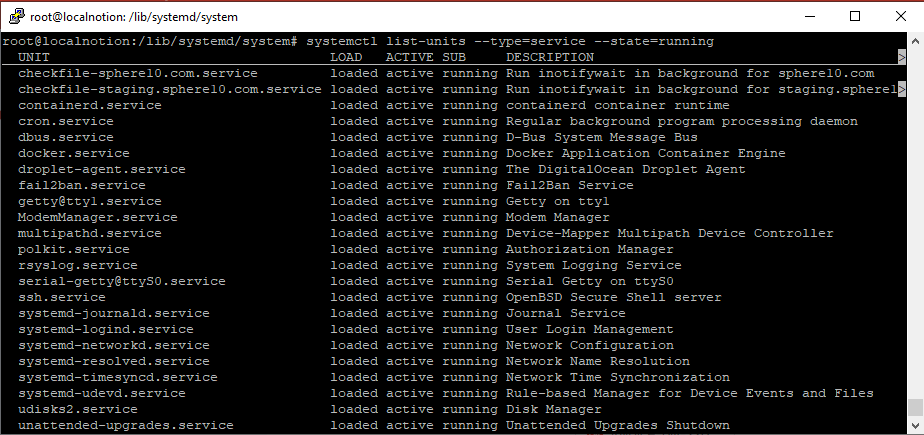
To see a list of all running services, use the following command in your terminal:
Bash
systemctl list-units --type=service --state=runningExample Output
For software development resources from Sphere 10, see the Sphere10 Framework overview .